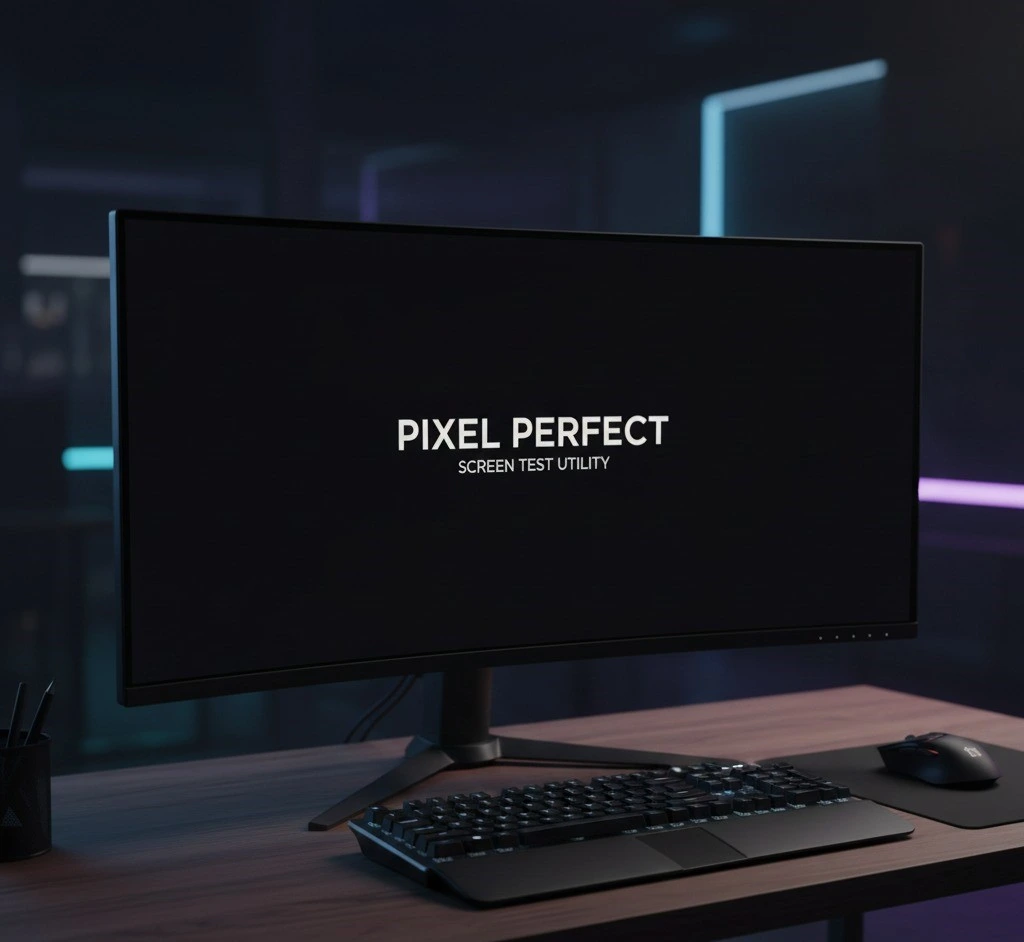
All black screen
Do you worry your all black screen might have hidden faults, dead pixels, or uneven brightness, because this tool instantly turns your display black or white to reveal every issue clearly?
Select the Color
Unlock Benefits of Our Black Tool
All Black Display Mode
This mode covers your entire screen with black to help you spot dead pixels, backlight bleeding, or hidden display faults while keeping your eyes comfortable.
Blank Screen for Focused Testing
A blank screen hides all distractions, enabling you to focus entirely on detecting screen faults or inconsistencies during quick or detailed checks.
Full White Screen Mode
The full white screen lets you check for discoloration, brightness flaws, or faint scratches instantly, providing a simple and accurate display test
Browser-Based Screen Test Tool
This all black screen website works directly in your browser without downloads, letting you test your display for dead pixels or brightness flaws instantly.
all Black Screen Pixel Test
Use this all black screen test to identify stuck or dead pixels and small imperfections that normally go unnoticed, giving a fast and reliable check.
Quick Display Testing Utility
Switch between black and white screens instantly to check for dead pixels, uneven brightness, or display issues, providing a fast, simple, and reliable testing solution
Pitch Black Viewing Experience
A pitch black screen is perfect for night or low-light checks, letting you inspect your display thoroughly while reducing eye strain.
Color Uniformity Check
This feature helps you check whether brightness and color appear evenly across the entire screen, making it easier to notice patches, shadows, or areas that look slightly different during display testing.
Advanced Dead Pixel Check
When your display turns completely dark, even the smallest bright dot becomes noticeable. With careful black screening, you can quickly see whether a pixel problem is temporary or permanent. The all black screen helps you confirm issues without distractions.
Backlight Bleed Detection Mode
Uneven brightness around the edges can be hard to notice in normal use. A simple black screen glance shows glowing patches and light leaks clearly, so you know what is actually wrong. Using the all black screen here makes inspection fast and accurate.
Screen Cleaning & Dust Inspection
Fingerprints and dust often hide under colorful backgrounds. When you switch to dark testing, every smudge becomes easier to see and clean safely. With gentle black screening, the all black screen helps you check your display before and after cleaning.
Night-Friendly Display Testing
Testing a bright display in a dark room can strain your eyes. A softer viewing mode keeps things calm while still revealing hidden faults. One quick black screen glance with the all black screen lets you test comfortably in low-light spaces.

Best Feature
This image represents a clean and controlled setup where a wide monitor is being checked for pixel accuracy and uniform lighting. The dark display makes even small pixel issues or light inconsistencies stand out clearly.
Pixel & Brightness Test
This image shows how black and white screens are commonly used together to check a display for hidden problems that normal daily use often hides from the eyes. The dark screen helps reveal dead pixels, backlight bleeding, and uneven edges, while the white screen makes brightness issues, discoloration, and faint marks easier to notice. Testing multiple devices in the same setup highlights how screen quality can differ even under similar conditions. The focused environment reflects careful inspection rather than casual usage. Such setups are often used after buying a new device or repairing a screen. Overall, the image clearly explains why simple color screens are effective for display testing.